Welcome to my GITA 2 Portfolio.
GITA 1 Overview
GITA 1 is an introductory middle/high school course that focuses on
fundamental programming skills. You learn C# through Visual Studio, and
learn concepts such as data types, loops, arrays and functions. There
is also great emphasis on creating graphical user interfaces.
GITA 2 Overview
GITA 2 further builds upon these programming concepts taught in GITA 1.
More advanced structures such as data structures, algorithms, and
web development are also explored. You learn HTML, CSS, and JavaScript
through applying the taught concepts in projects that utilize them.
APs Currently Enrolled in
AP Computer Science Principles
AP Human Geography
Future Aspirations
Later on, I hope to attend a 4 year college and earn a major in
computer science, and eventually become a software devleoper.
Extracurriculars
I am not currently part of any extracurriculars
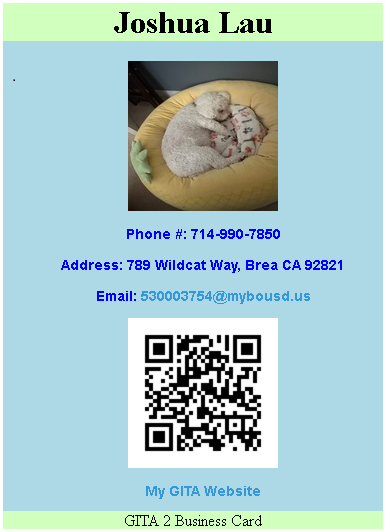
Business Card
This was our first project of the year. We learned some of the basics
of html, as well as a bit of the design aspect of this course. Three
important concepts introduced here included using CSS to style the card,
generating a link and placing it on the card, and getting images to appear
wherever I needed on it. Due 9/2
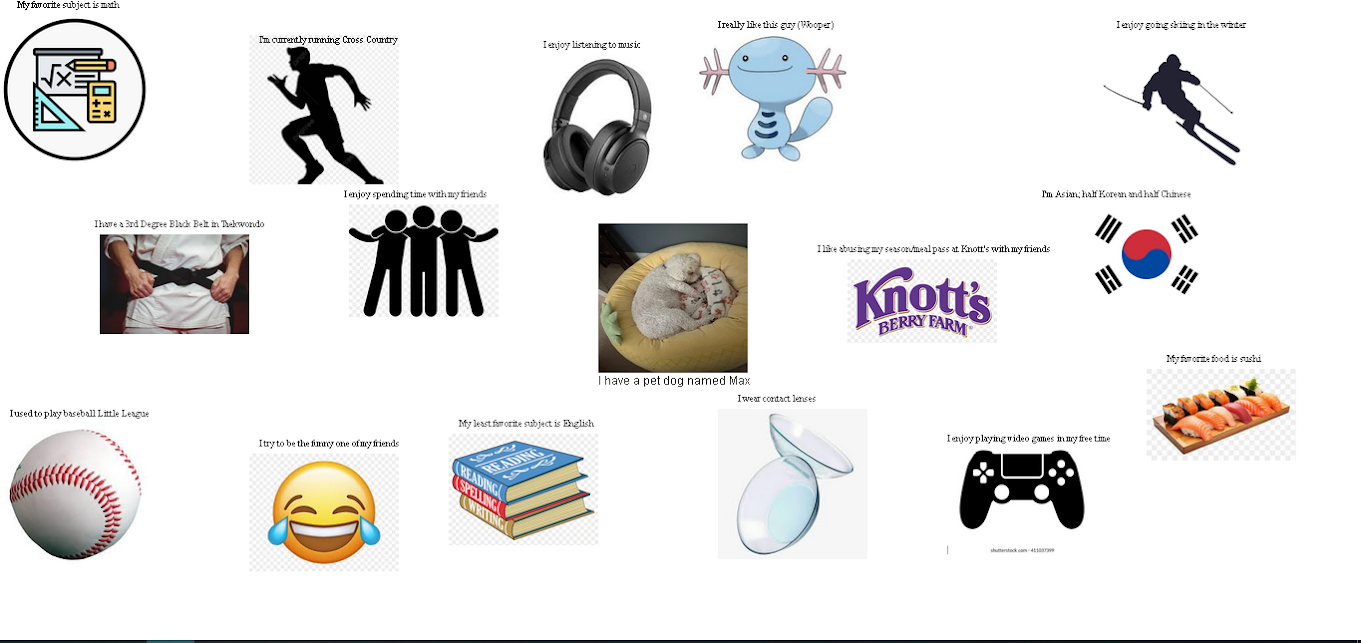
Collage
This project required us to simply place 20 images (with a short description) representing us
and to spread them out throughout the screen without any pattern, to really give the feeling
of a collage. We had to make 1 image in the center absolutely placed there, while the other 19 images
and their texts were all placed relative to the first. Due 9/5
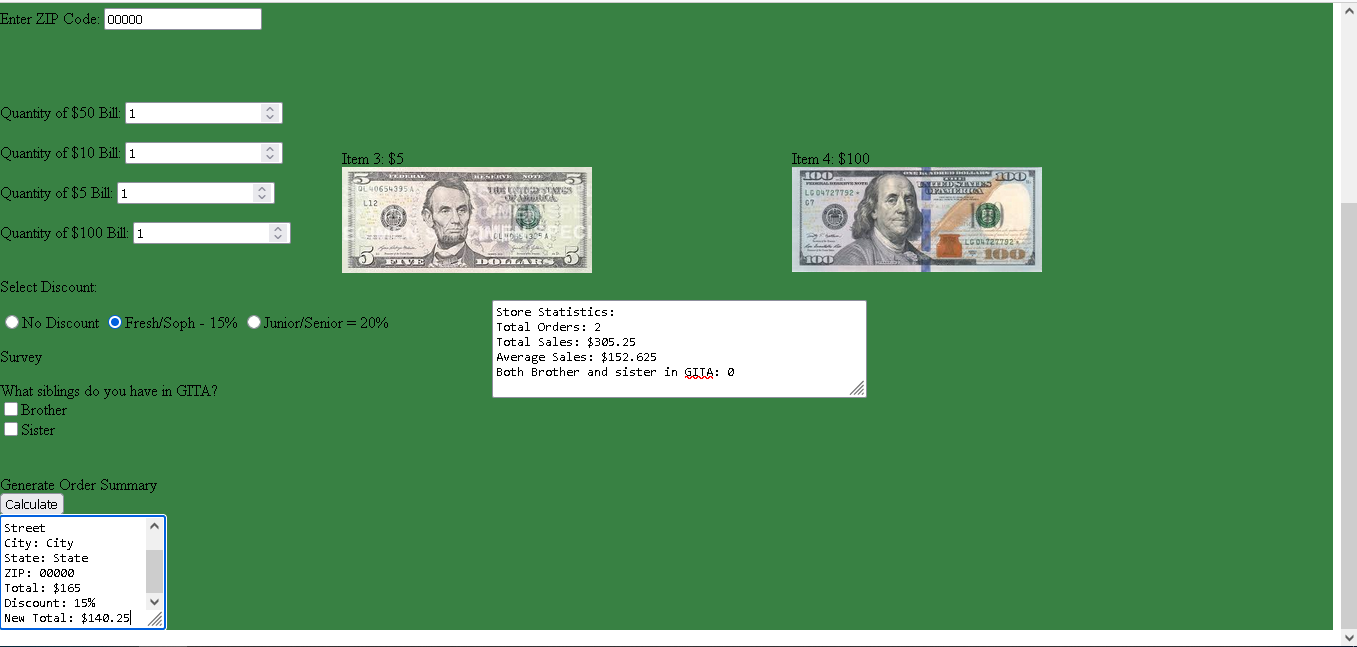
Merchandise Store / Merchandise Store Upgrade
This project challenged us to use javascript, html, and CSS in order to
use functions, design aspects, and style a themed online merchandise store. We had
to use math functions to calculate totals with input boxes for user info. We were later
challenged to upgrade this project. We used radio buttons to add discounts
and checkboxes to create a survey for the user. Due 9/11 and 9/24
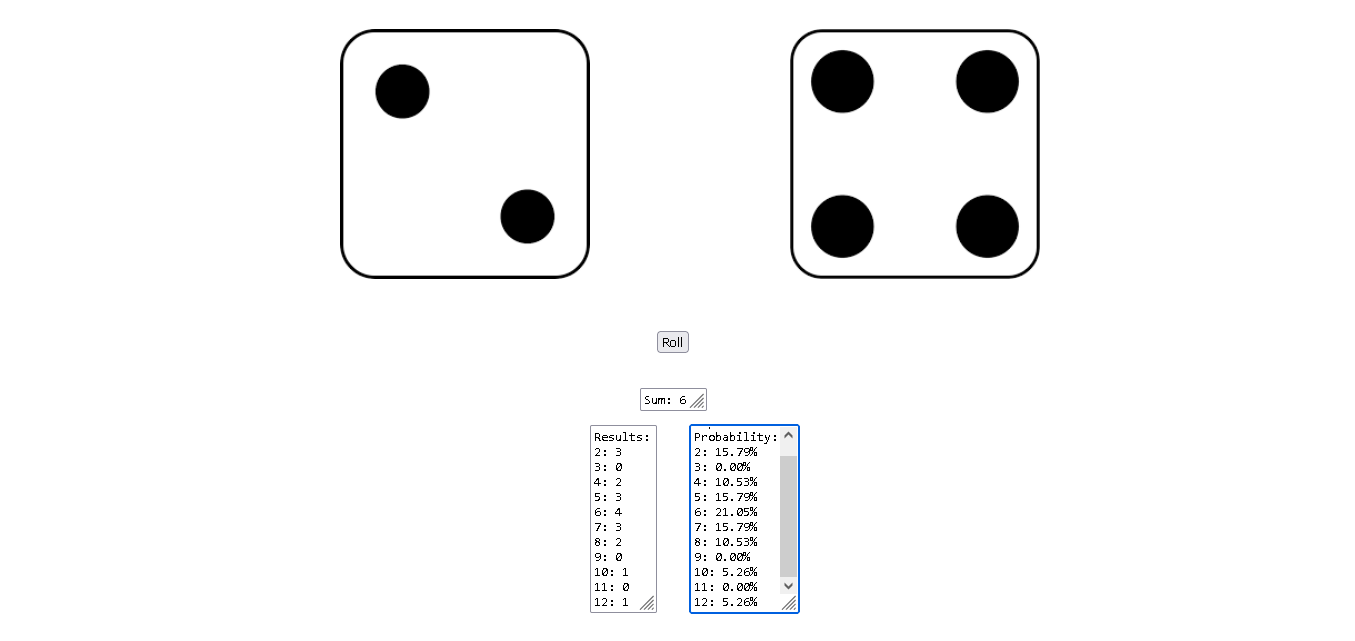
Dice
In order to simulate dice in html, we had to use both random numbers
and changing images to get it done. Other mathematical operations, being
adding and dividing, were used to calculate the total number of rolls
and the experimental probability of each number being rolled. Due 9/16